Training home / Process walkthroughs
Shop floor: job to finished goods
Making things for a customer order or for stock, across Plant, Quality and Accounts.
- The flow: Generate job → Release → Issue material → Run operations → Inspections → Complete job → Challan.
- Who is involved: Plant and operators, store, Procurement for outside processing, Quality, and Accounts.
- Watch out for: A job stays Planned until released, and nothing can be issued or completed before then.
Stage table
| # | Stage | Who (role) | Screen | What happens | Posts to stock / GL |
|---|---|---|---|---|---|
| 0 | Set-up | Plant / Admin | , | The output part needs an active BOM and a complete routing. A routing is Draft until every BOM line is covered by its steps. No routing, no job. | Nothing. |
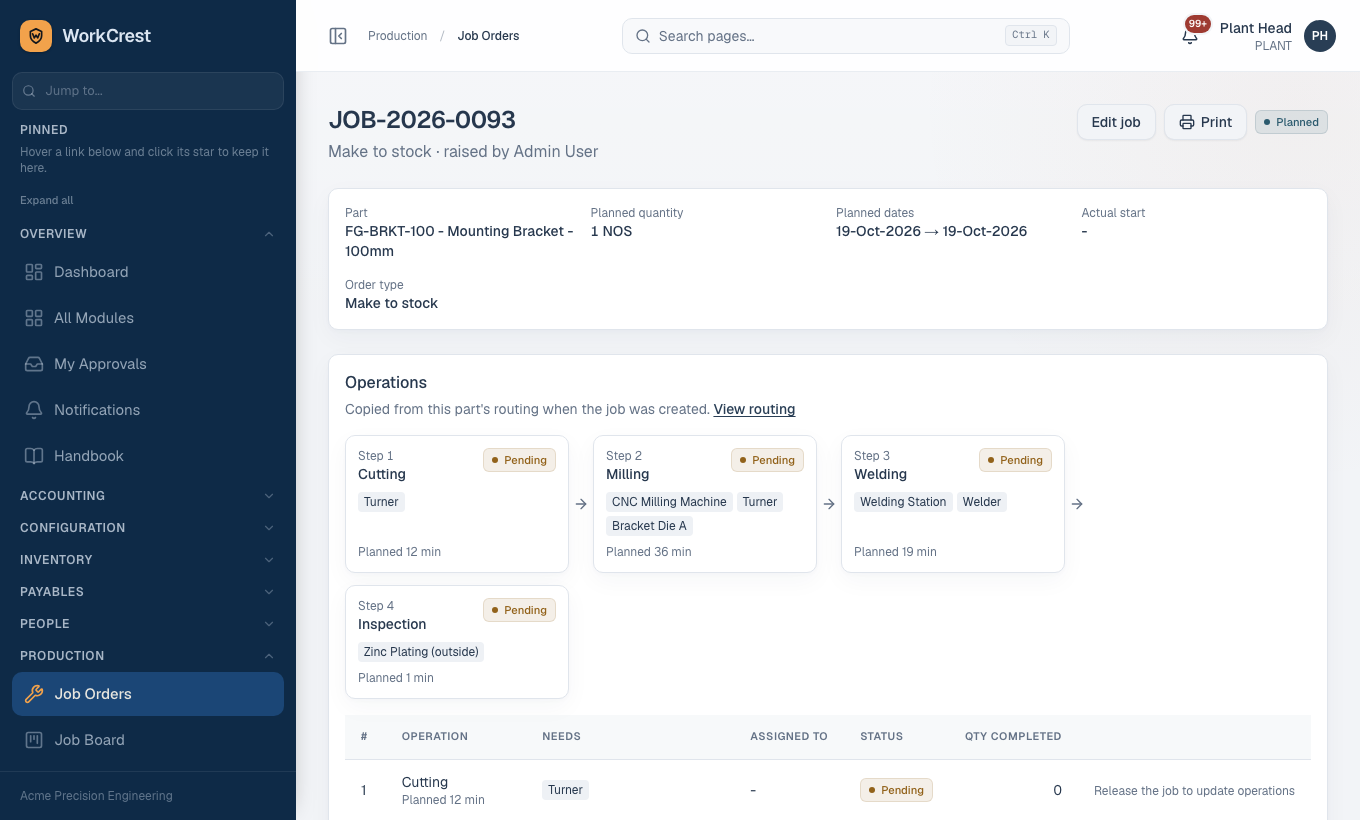
| 1 | Generate job | Plant | or | From a Confirmed order line (choose an output part that is not a SERVICE), or a make-to-stock job. The routing and BOM are snapshotted onto the job. Status Planned. | Nothing. |
| 2 | Release | Plant | Planned to In progress. Nothing else can happen before this. Releasing a job auto-raises Draft POs for outside-processing steps that have a default supplier and service part. | Nothing. | |
| 3 | Material issue | Plant / store | Job page | Issue stock to the job. Issuing beyond the planned requirement (zero tolerance by default) is saved Pending and needs approval; stock moves only when approved. | Stock out; GL Dr Work in Progress / Cr Inventory at standard cost. |
| 3a | Material return | Plant | Job page | Return unused material to stock. | Stock in; Dr Inventory / Cr WIP at issue cost. |
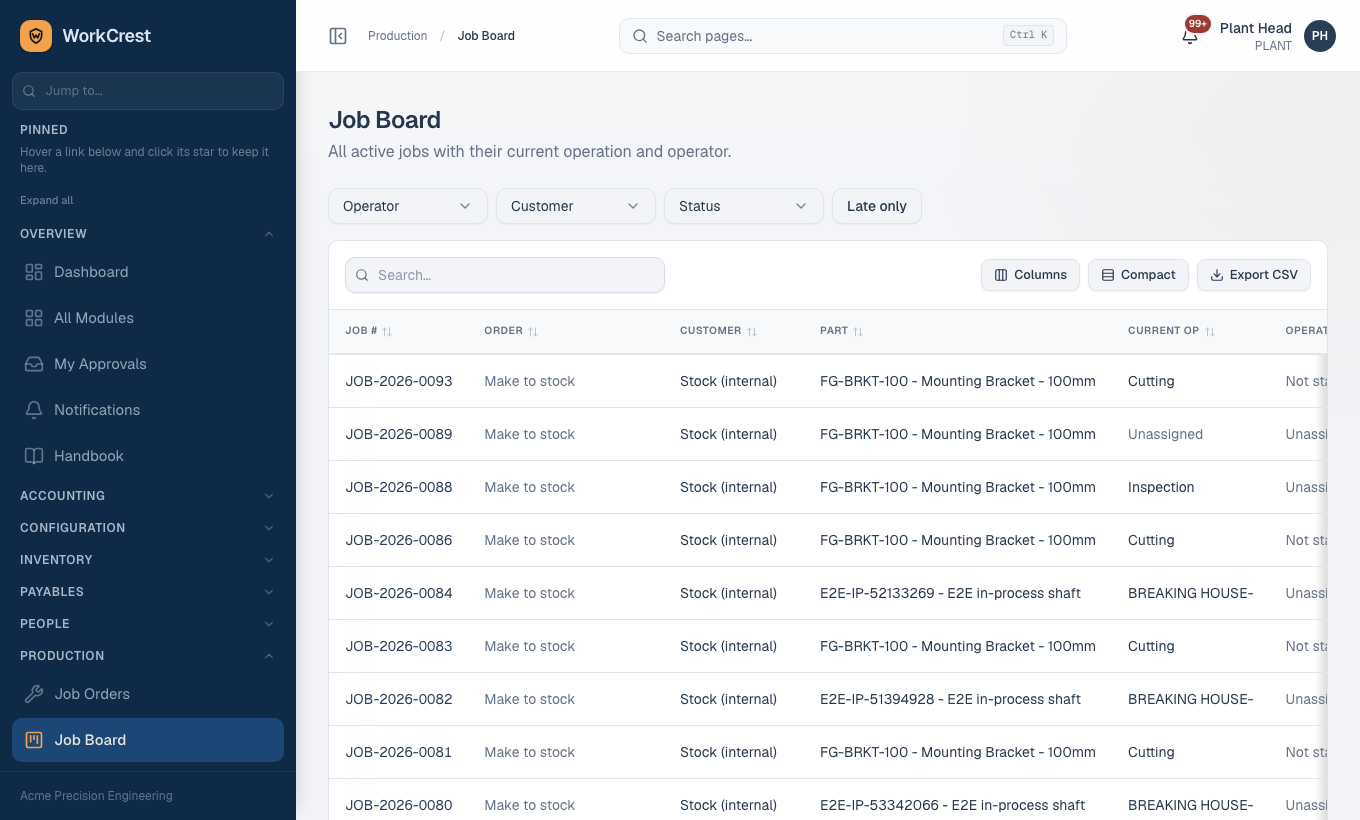
| 4 | Operations | Plant / operators | Job page, | Operations go Pending, In progress, Completed in order; a step completes only at the full job quantity. Steps flagged parallel run together with the previous step. | Completing a step posts conversion cost: Dr WIP / Cr Conversion Absorbed (machine, labour, tool resources). |
| 4a | Outside processing | Procurement | Job page, | Receiving the service GRN completes the step (the step must already be started). | Dr WIP / Cr GRN Clearing at PO price. |
| 5 | Inspections | Quality | If an active in-process plan exists for the step, a lot is created when it starts; a first-article lot may also be required. A step cannot complete while its lot is undecided. A final lot appears when the last step completes. | Rejects are recorded as scrap on the step and raise an internal NCR. | |
| 6 | Complete job | Plant | Job page | Explicit stock-in of finished goods; needs the job released, started and no undecided inspection lot. | Stock in at standard cost. GL: Dr Inventory / Cr WIP; remaining WIP goes to Inventory Variance (Quality Rework Cost for a rework job). |
| 7 | Dispatch | Plant / store | Ship the finished part against the order. See Order to cash. | Stock out; Dr COGS / Cr Inventory. |
Job statuses
Planned, In progress, On hold, Completed, Cancelled. In progress and On hold swap freely; any open state can be cancelled; nothing goes back to Planned; Completed is reached only through the completion action. Cancelling a job that holds material or WIP needs a reason, and writes the remaining WIP off.
Material planning
Required material is quantity per x planned quantity, divided by the component's yield percentage and rounded up. The job page shows required, issued, balance, on hand and shortage. nets open-job demand against stock and open POs.
Approvals involved
Only the material over-issue (Pending issue). Job generation, release, completion and normal issues do not use the engine. Rework from an NCR creates a job without needing a routing; see the Quality page.
What can go wrong
Related pages
Training home · Cheat sheets · Sales · Procurement · Plant · Accounts · Quality · HR and employees · Admin